



Assets are easily misplaced or underused when there is no current register. Even when location is known, an organization may still lack visibility into condition, inspection status, service history, or who is responsible for the item. This challenge affects asset coordinators, maintenance teams, warehouse staff, supervisors, safety managers, field workers, and procurement teams. As organizations expand across locations, roles, and regulatory requirements, a manual approach becomes harder to control and more expensive to maintain. Asset Tracking Software creates a clearer, repeatable way to manage the information and actions that support safe, compliant, and efficient operations.
Organizations reviewing digital options should evaluate how the platform supports real workflows rather than focusing only on a long feature list. A useful starting point is Asset Tracking Software, particularly when comparing how records, assignments, notifications, field activity, and reporting can work together. The best solution should reduce administrative friction for workers and managers while giving leaders reliable evidence for decisions, audits, and continuous improvement.
What Is Asset Tracking Software?
Asset Tracking Software is software that records the identity, location, status, assignment, documents, inspections, and maintenance needs of tools, equipment, vehicles, and safety resources. It replaces disconnected records with a shared process that defines what must be captured, who is responsible, what happens next, and how completion is verified. In practical terms, it gives teams one place to manage current status and historical evidence instead of relying on individual memory or manually reconciled files.
The technology is most valuable when it reflects how work actually happens. Each asset has a digital profile. Users check items in or out, update location and condition, complete inspections, attach documents, and receive alerts for service or certification deadlines. This closed-loop approach turns information into action and makes it easier to identify patterns that would otherwise remain hidden in separate forms or systems.
Why Asset Tracking Software Matters
Organizations do not adopt Asset Tracking Software simply to digitize paperwork. They adopt it to improve control. A well-designed platform makes responsibilities visible, standardizes important decisions, and gives managers earlier warning when a requirement, risk, qualification, inspection, or action is moving off track. It also creates more consistent evidence, which is essential when the organization must demonstrate due diligence to customers, auditors, regulators, or internal leadership.
However, software does not fix an unclear process automatically. If responsibilities, definitions, escalation rules, or record standards are inconsistent, technology can reproduce the same confusion at a larger scale. The strongest results come from combining simple workflows, accountable ownership, useful data, effective training, and leadership follow-through.
How Asset Tracking Software Works
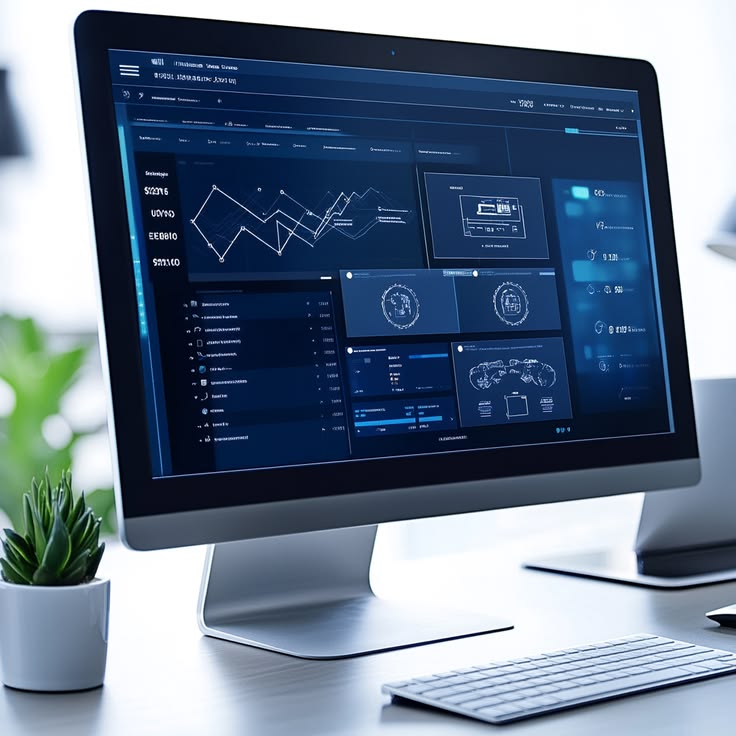
Most systems follow a common information cycle: capture, validate, assign, act, verify, and analyze. Each asset has a digital profile. Users check items in or out, update location and condition, complete inspections, attach documents, and receive alerts for service or certification deadlines. Permissions determine who can view or change information, while timestamps and history create traceability. Automated reminders reduce dependence on memory, and dashboards translate individual records into an operational picture that leaders can review.
Essential Features of Asset Tracking Software
Centralized asset register
Creates one record for identity, serial number, category, status, location, images, and ownership. This capability should be configurable enough to match the organization’s terminology and responsibilities without making the user experience unnecessarily complicated. During evaluation, ask vendors to demonstrate the complete workflow, including what the frontline user sees, what the responsible manager receives, and how the final record appears in reports.
Mobile check-in and check-out
Updates assignments from the field and improves accountability for shared tools and equipment. This capability should be configurable enough to match the organization’s terminology and responsibilities without making the user experience unnecessarily complicated. During evaluation, ask vendors to demonstrate the complete workflow, including what the frontline user sees, what the responsible manager receives, and how the final record appears in reports.
Maintenance and inspection scheduling
Uses recurring dates, mileage, hours, or usage rules to keep assets safe and available. This capability should be configurable enough to match the organization’s terminology and responsibilities without making the user experience unnecessarily complicated. During evaluation, ask vendors to demonstrate the complete workflow, including what the frontline user sees, what the responsible manager receives, and how the final record appears in reports.
Document storage
Keeps manuals, certificates, inspection records, warranties, and service documents with the asset. This capability should be configurable enough to match the organization’s terminology and responsibilities without making the user experience unnecessarily complicated. During evaluation, ask vendors to demonstrate the complete workflow, including what the frontline user sees, what the responsible manager receives, and how the final record appears in reports.
Alerts and notifications
Reminds responsible people about overdue returns, service, inspections, or expiring documents. This capability should be configurable enough to match the organization’s terminology and responsibilities without making the user experience unnecessarily complicated. During evaluation, ask vendors to demonstrate the complete workflow, including what the frontline user sees, what the responsible manager receives, and how the final record appears in reports.
Analytics and reports
Shows utilization, downtime, cost, failure patterns, and asset availability for planning. This capability should be configurable enough to match the organization’s terminology and responsibilities without making the user experience unnecessarily complicated. During evaluation, ask vendors to demonstrate the complete workflow, including what the frontline user sees, what the responsible manager receives, and how the final record appears in reports.
Benefits of Asset Tracking Software
The value of Asset Tracking Software should be measured through operational outcomes, not the number of available modules. Common benefits include the following:
- Fewer lost resources: reduces preventable delays and gives responsible people earlier visibility into work that requires attention
- More accurate availability: creates consistent records that are easier to search, compare, verify, and present during audits or reviews
- Reduced downtime: helps leaders focus resources on higher-risk gaps instead of spending time gathering basic status information
- Better maintenance compliance: supports accountability by making ownership, deadlines, escalation, and closure evidence visible
- Improved purchasing decisions: provides trend data that can improve planning, prevention, training, and management decisions over time
How to Choose Asset Tracking Software
A strong buying process begins with operational requirements. Document the current workflow, its failure points, the people involved, the records produced, and the decisions management needs to make. Then ask vendors to demonstrate those scenarios using realistic data. This prevents the evaluation from becoming a checklist of attractive functions that may not solve the organization’s most important problems.
Selection factor 1: Evaluate mobile workflow speed. Confirm how the capability works for administrators, managers, and frontline users, and identify any configuration, integration, licensing, or support assumptions before purchase.
Selection factor 2: Evaluate tracking granularity. Confirm how the capability works for administrators, managers, and frontline users, and identify any configuration, integration, licensing, or support assumptions before purchase.
Selection factor 3: Evaluate maintenance functions. Confirm how the capability works for administrators, managers, and frontline users, and identify any configuration, integration, licensing, or support assumptions before purchase.
Selection factor 4: Evaluate document support. Confirm how the capability works for administrators, managers, and frontline users, and identify any configuration, integration, licensing, or support assumptions before purchase.
Selection factor 5: Evaluate analytics and integration. Confirm how the capability works for administrators, managers, and frontline users, and identify any configuration, integration, licensing, or support assumptions before purchase.
Implementation Best Practices for Asset Tracking Software
Implementation should be treated as a process and change-management project, not only a technical setup. A phased approach usually reduces risk because it allows the organization to test forms, responsibilities, data quality, notifications, and reporting before expanding to more sites or modules.
Step 1: Inventory high-value and safety-critical assets. Assign an owner, define a completion standard, and gather feedback from the people who will use the workflow every day.
Step 2: Define status and location standards. Assign an owner, define a completion standard, and gather feedback from the people who will use the workflow every day.
Step 3: Assign ownership. Assign an owner, define a completion standard, and gather feedback from the people who will use the workflow every day.
Step 4: Introduce labels or qr codes. Assign an owner, define a completion standard, and gather feedback from the people who will use the workflow every day.
Step 5: Use data to improve maintenance and purchasing. Assign an owner, define a completion standard, and gather feedback from the people who will use the workflow every day.
Practical Use Cases for Asset Tracking Software
Asset Tracking Software can support different operating environments. Examples include tools shared between crews, personal protective equipment requiring inspection, and vehicles and attached resources. Although the terminology and regulatory context may differ, each use case depends on the same fundamentals: accurate data, clear ownership, timely action, secure access, and useful reporting.
How to Measure the Success of Asset Tracking Software
Choose a small set of indicators that reflect both adoption and outcomes. Useful measures include assets unaccounted for, utilization, maintenance compliance, downtime, and repair and replacement cost. Establish a baseline before rollout, review results by site or team, and investigate the reasons behind changes. Higher reporting may initially reveal more issues, which can be a positive sign of improved visibility rather than declining performance.
Final Thoughts
Asset Tracking Software can make complex work easier to manage, but its success depends on practical design and consistent use. Start with clear business and safety problems, select workflows that employees can follow, define ownership, and measure whether the platform improves decisions and follow-through. When technology supports a disciplined management process, organizations gain more than digital records. They gain faster visibility, stronger accountability, and a better foundation for reducing risk and improving performance.
Frequently Asked Questions About Asset Tracking Software
What assets can be tracked?
Organizations can track tools, vehicles, machines, trailers, safety equipment, personal protective equipment, electronics, and other resources with unique or grouped records.
Does asset tracking software include maintenance?
Many platforms include inspection and maintenance scheduling, while simpler tracking products may focus only on location and assignment.
How does asset tracking support audits?
It provides current records, service history, inspection evidence, certificates, assignments, and timestamps that can be retrieved quickly.